SAR 99.00
SAR 129.00 Discount 23%One cable that powers iPhone 7 to 16 Pro Max boards and most Android phones straight from a bench supply, with automatic cut-off on overvoltage.
WEMON S115 iBoot Cable Pro Power Boot Cable for iPhone and Android
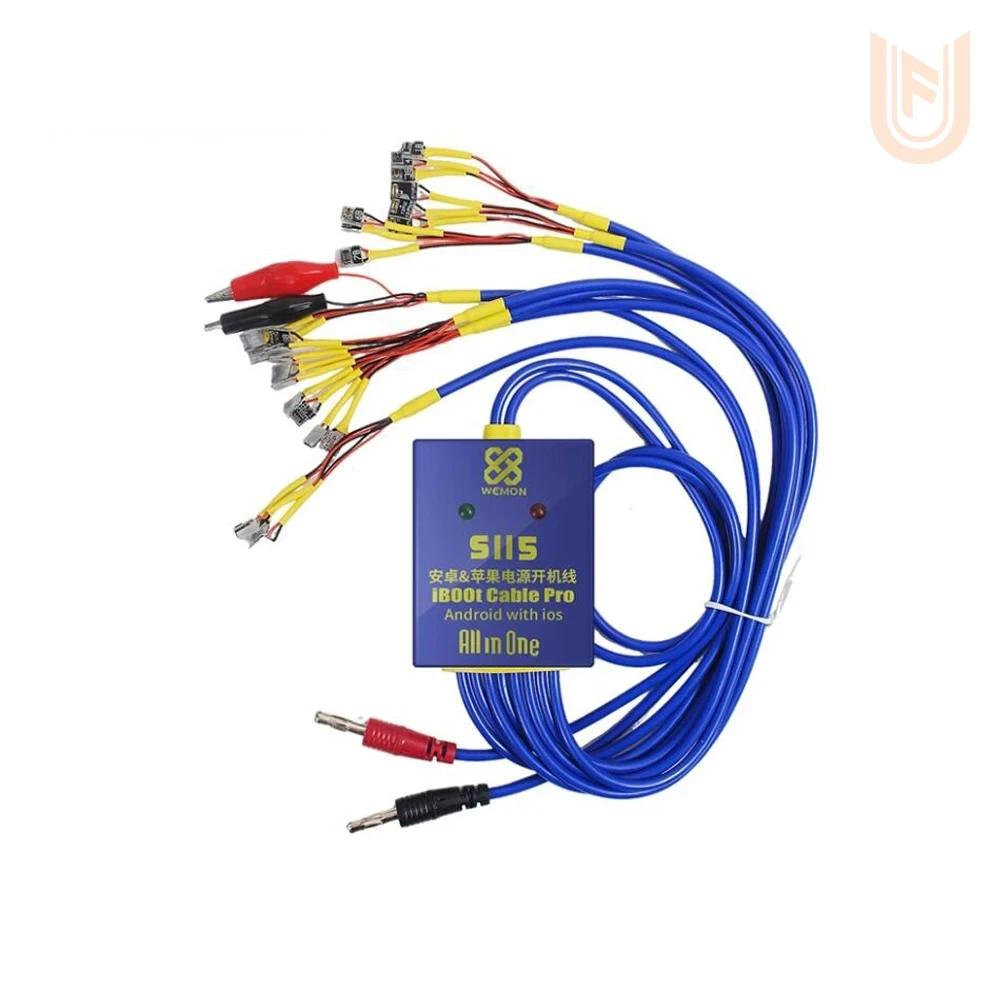
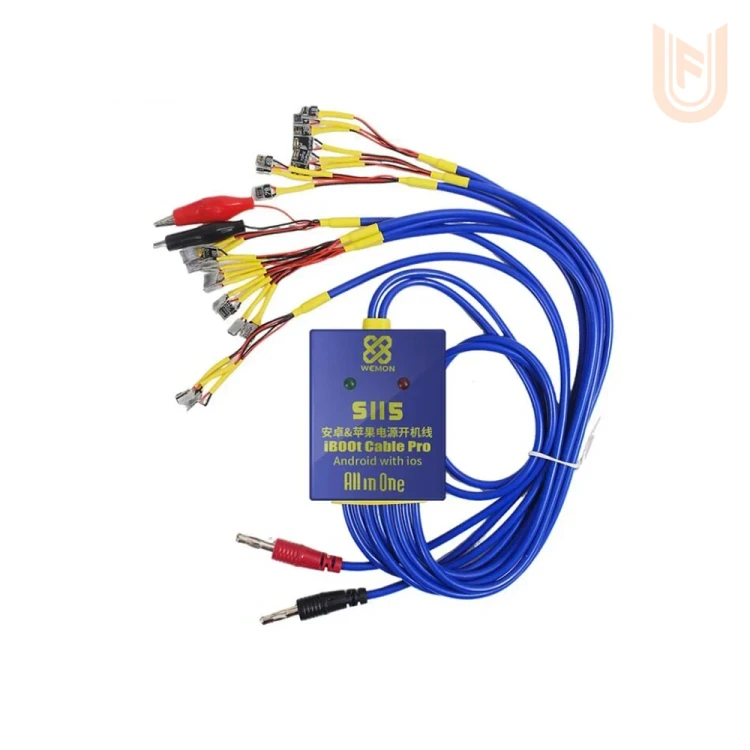
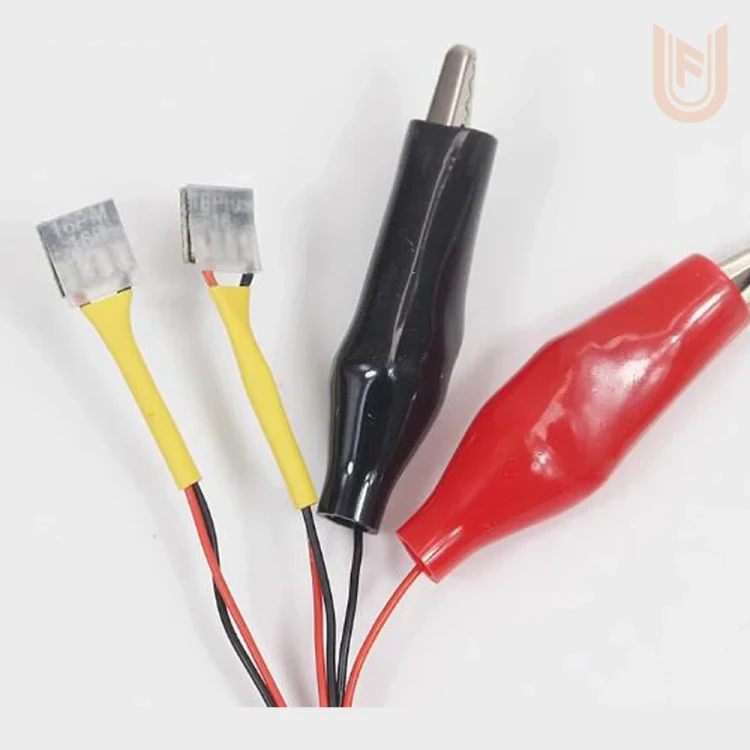
A power boot cable from WEMON that connects a phone board straight to a bench power supply in place of the battery, so the technician can start the phone, read its boot current and find the fault without relying on a battery that may itself be the problem. One cable carries battery connectors for iPhone 7 up to the iPhone 16 series plus a red and a black alligator clip for Android phones, covering more than 4000 models according to the box.
Features
- One cable for both iPhone and Android, no separate lead for every phone.
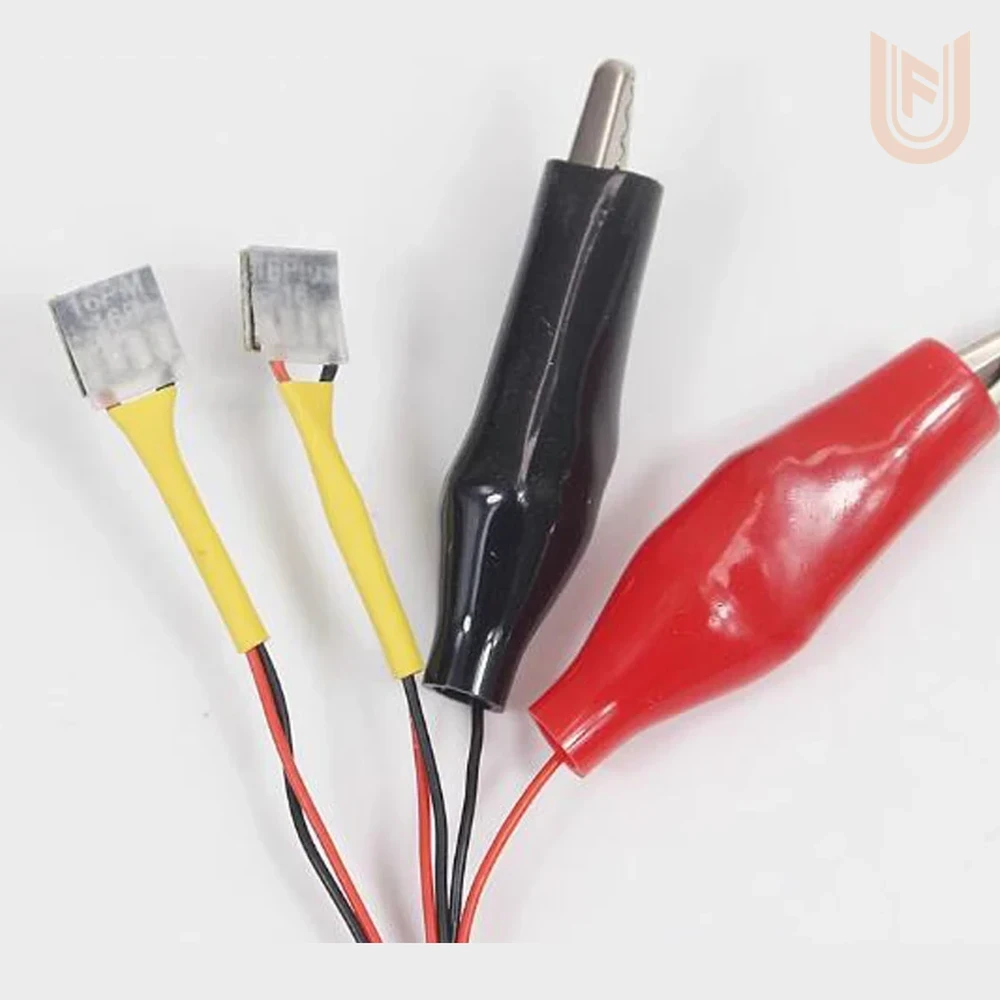
- Fixed battery connectors for iPhone 7 to iPhone 16 Pro Max, with the model printed on the back of each connector.
- Red and black alligator clips for Android phones from Huawei, Honor, OPPO, vivo, Samsung, Xiaomi and others.
- Overvoltage protection: if the supply voltage goes above the safe limit the green light goes out, the red light comes on and the output to the connectors is cut, so no excess voltage reaches the board.
- Anti-burn protection and automatic connector recognition, as printed on the box.
- High-purity copper wires that carry up to 3A for an easy start-up.
- Red and black banana plugs that fit straight into most bench power supplies.
Suitable for
A general bench tool for repair shops, suited to:
- iPhone boards
- Android phone boards
- Boot current checks
- No-power faults
- Charging and battery faults
Technical Specifications
| Brand | WEMON |
|---|---|
| Model | S115 iBoot Cable Pro |
| Tool Type | Direct power boot cable for phone boards (iPhone and Android) |
| Product Code | 210609241400956 |
| Warranty | Working-on-arrival warranty only |
| iPhone Models | iPhone 7 / 7 Plus / 8 / 8 Plus / X / XR / XS / XS Max and the iPhone 11, 12, 13, 14, 15 and 16 series |
| Android Models | More than 4000 models through the alligator clips |
| Max Current | 3A |
| Protection | Output cut-off on overvoltage, anti-burn protection, automatic connector recognition |
| Indicators | Green light for normal operation, red light on overvoltage |
| Power Supply Connection | Red and black banana plugs |
| In the Box | 1 power boot cable |
Usage Tips
- Set the power supply to the normal battery voltage before connecting, and start with a low current limit.
- Check the model printed on the back of a connector before fitting it to the board.
- If the red light comes on, lower the voltage before carrying on.
Checked Quality
Every UFix tool is checked before shipping, with delivery across the Kingdom.
Customer reviews
Overall rating
0.0
Rating snapshot
5 stars
0
4 stars
0
3 stars
0
2 stars
0
1 star
0
There are no reviews yet. Be the first one to review this product